
Flux 2 Klein Edit changes a picture you already have. You add your picture, write what should change, and it makes a new version that keeps the rest. It is the editing side of Flux 2 Klein 4B. In MonAI, the guidance scale is fixed at 1 and the steps at 4, and the result keeps roughly the shape of your picture.
New to adding a picture? Adding an Image shows how.
¶ Editing techniques
- Write an instruction, not a description of the whole picture. Your picture already shows the scene. Say only what should change: "This cat should look more angry."
- Name the thing and what it becomes. "the woman should be wearing a futuristic foil dress" works better than "make it futuristic". If there are several similar things, say which one: its position, size or colour.
- Say what must stay. If a detail matters, name it: "keep her face and hairstyle", "change nothing else".
- Several changes can go in one prompt. Give each change its own sentence, as in the Moon example below.
- Change the look of the whole picture. Describe the new style, colour and mood, and Klein restyles the picture while keeping its content, as in the pumpkin and circus examples below.
- Change the time of day or season with a short, plain instruction, as in the winter example below. Black Forest Labs' guide uses "Change it to Night" and "Change this to Winter".
- No negative prompt. Flux doesn't support negative prompts. To remove something, ask for it in the prompt instead: "no sunglasses", "remove the hat".
¶ Examples
Tap a picture to see it full size.
|
Your picture  |
Result 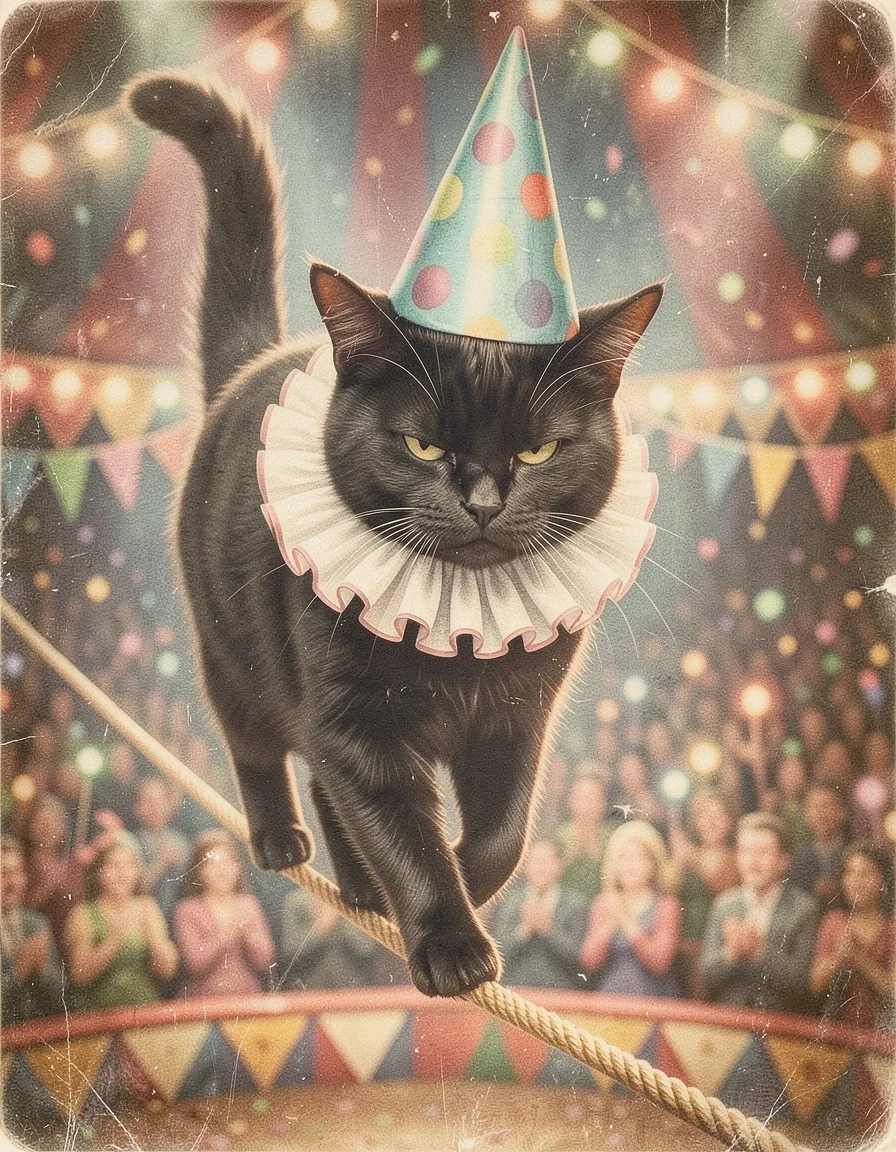 |
|
Prompt: This cat should look more angry. The cat's ears should be folded back. It should be more of a whimsical vintage photo. Seed: 499413609 |
|
|
Your picture  |
Result 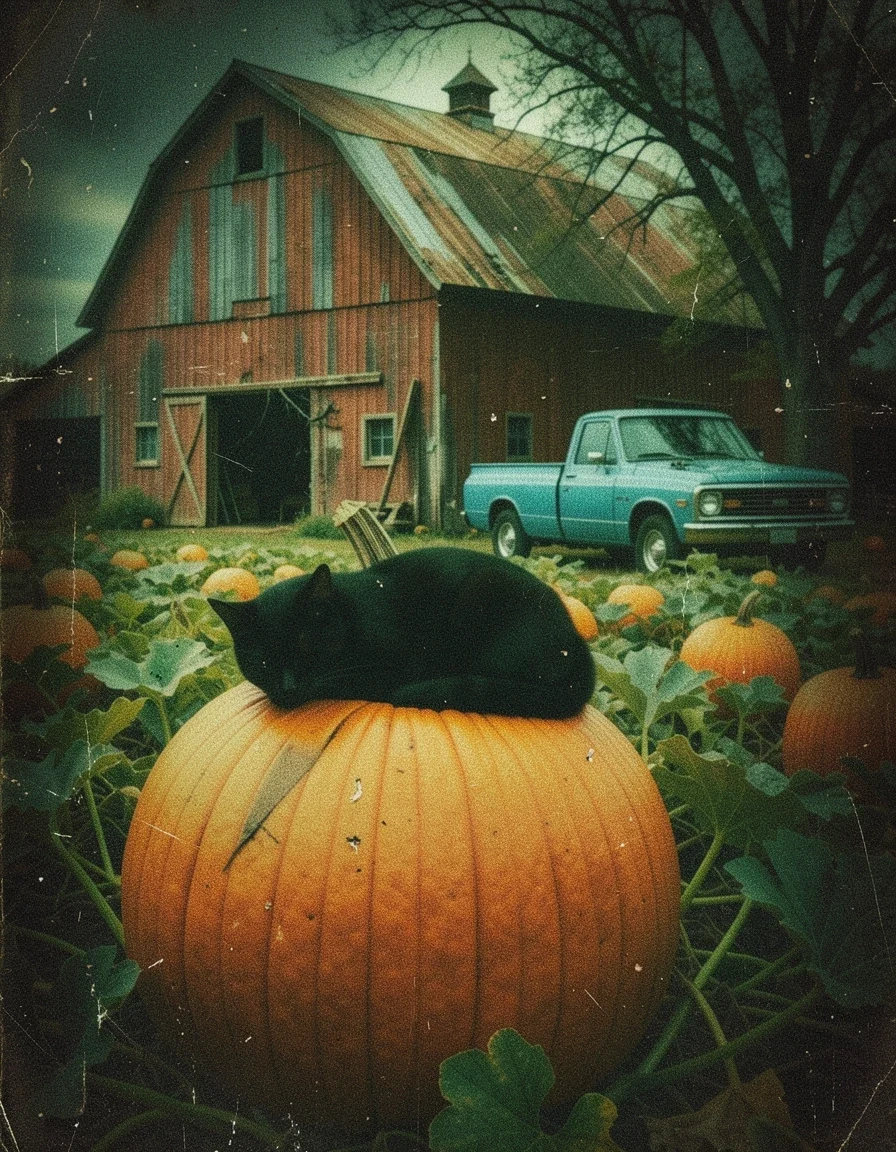 |
|
Prompt: Create a creepy aesthetic. Photo style reminiscent of 80s found footage. Subtle shadows create a sense of tension, saturated image with faded highlights, color grading. Subtle unease. Weathered textures and broken elements create an unsettling sense of decay and disrepair. Highly detailed. Seed: 397426718 |
|
|
Your picture 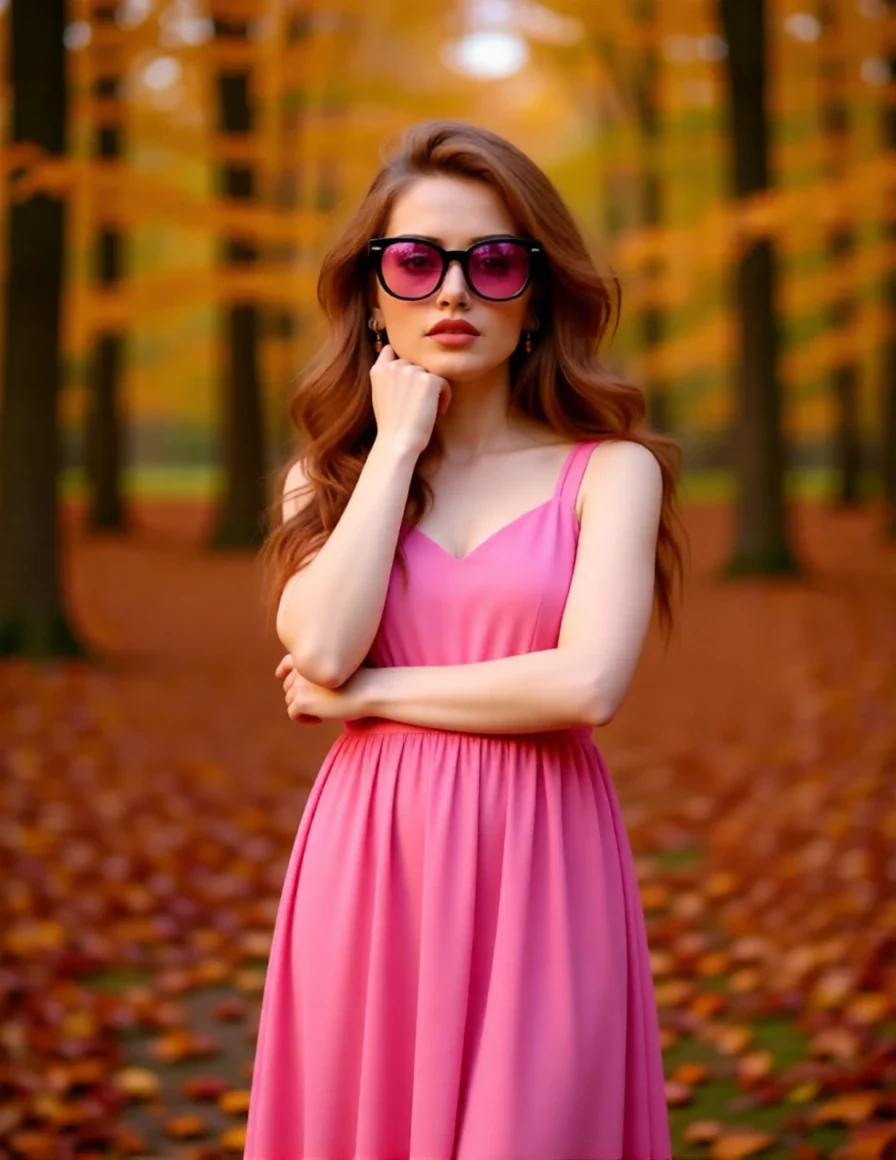 |
Result 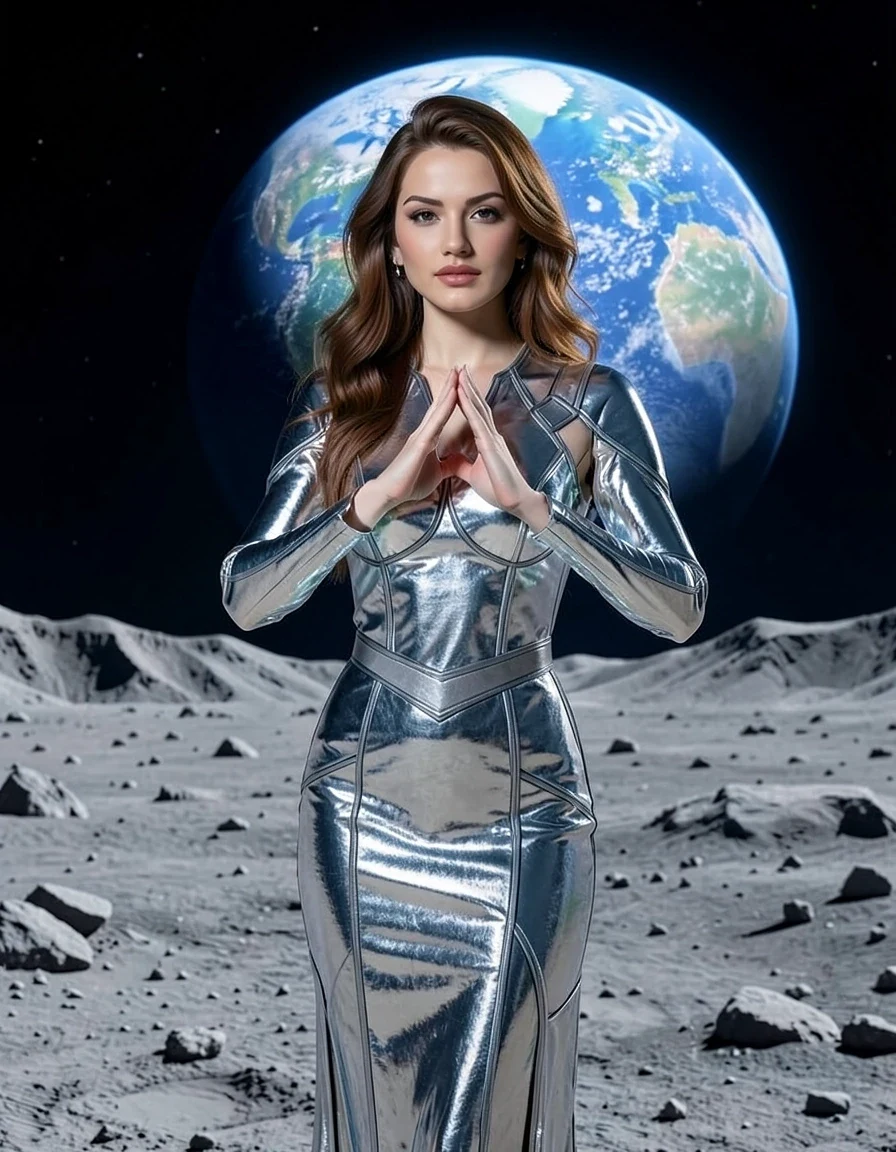 |
|
Prompt: the woman should be wearing a futuristic foil dress, no sunglasses, and standing on the moon, with the Earth visible in the sky behind her. Change her pose so that her hands are joined together in the heart hands gesture. Seed: 132931684 |
|
|
Your picture 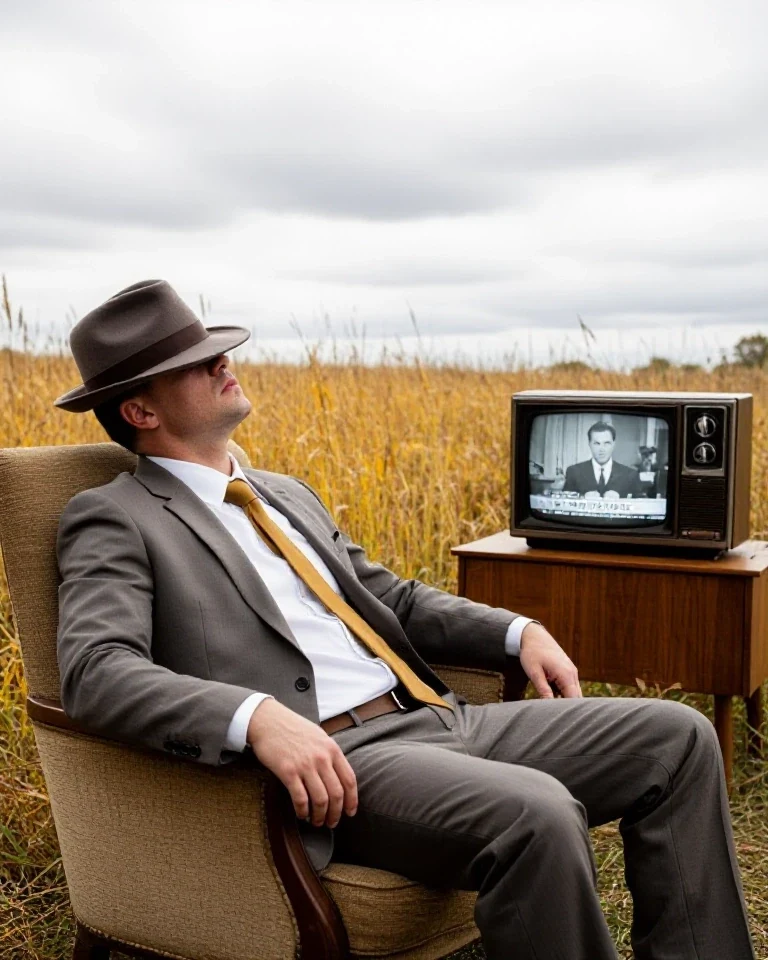 |
Result  |
|
Prompt: Change this scene to winter at sunset, with a light powdering of snow on his hat and coat Seed: 1312732 |
|
Source: the MonAI wiki · Updated · First published